What it is #
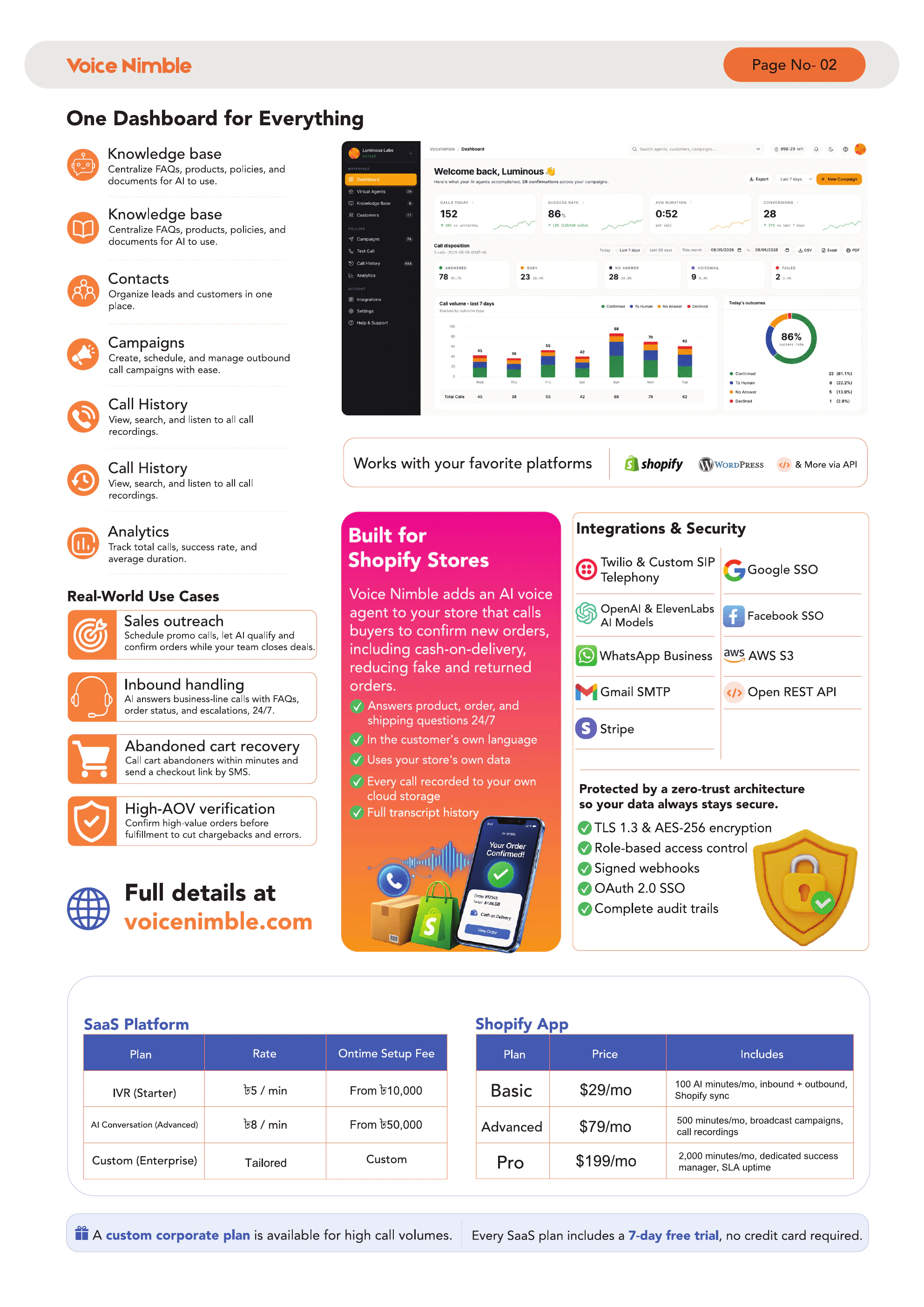
Analytics turns your call history into charts and KPIs: total calls, success rate, sentiment breakdown, and 30-day trends.
Availability #
Analytics is available on Advanced and Pro plans.
When to use it #
- Weekly performance review
- Checking if a campaign moved the needle
- Identifying the sentiment trend before customers churn
- Reporting to stakeholders
Dashboard metrics explained #
| Metric | Definition |
|---|---|
| Total calls | All calls in the selected period |
| Successful calls | Calls that completed without early drop |
| Failed calls | Calls that dropped, no-answered, or errored |
| Average duration | Mean call length (seconds) |
| Positive sentiment % | Share of calls scored positive |
| Negative sentiment % | Share of calls scored negative |
| Call trend | Daily volume over the last 30 days |
Weekly + monthly breakdowns #
- Weekly view shows day-of-week patterns (e.g. Tuesdays get 2x calls)
- Monthly view shows month-over-month growth
Exporting reports #
Click Export report → pick date range → CSV or PDF.
Understanding sentiment analysis #
Sentiment is scored automatically by Anthropic Claude after the call ends, based on the full transcript. It's directional, not exact — treat it as a triage tool, not a science.
Tips & best practices #
- Set a weekly 15-minute review habit — most merchants stop after the first week
- Cross-reference negative-sentiment calls with refunds in Shopify — that's your product quality signal
Troubleshooting #
| Problem | Fix |
|---|---|
| Dashboard is empty | Not enough calls in range — extend the date window |
| Analytics missing | You\'re on Basic — upgrade to Advanced or Pro |