What it is #
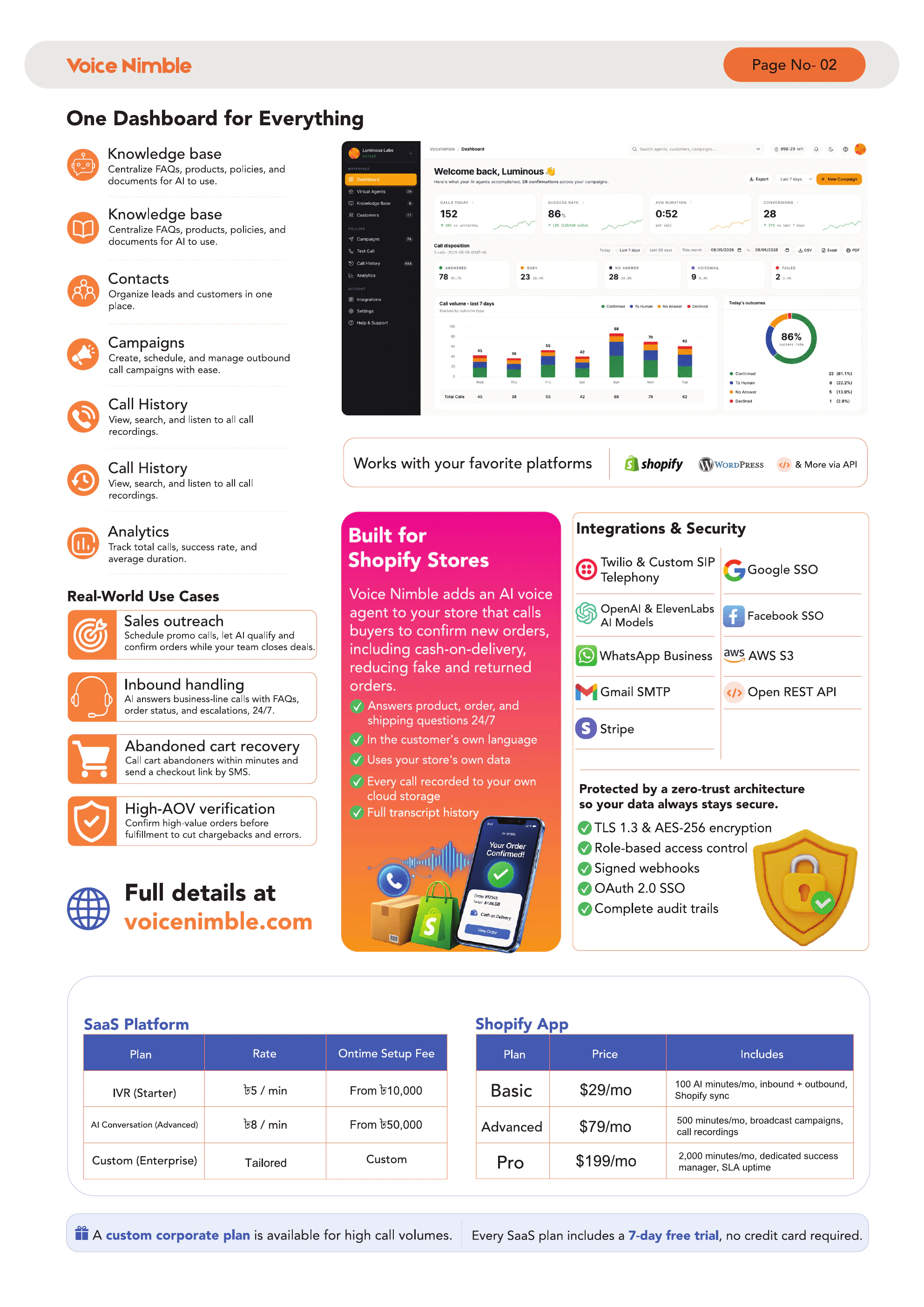
Call history is the central log of every call — inbound, outbound, test, broadcast, and event-driven — with full transcript, sentiment, and (on paid plans) audio recording.
When to use it #
- QA-ing how the AI handled a tough customer
- Finding a specific call by customer or phone number
- Exporting evidence for compliance
- Investigating why a campaign underperformed
Filtering #
Use the filter bar at the top of Call History to narrow by:
- Direction (inbound / outbound)
- Date range
- Status (completed / failed / cancelled)
- Provider
- Virtual Agent
- Sentiment (positive / negative / neutral)
Viewing a call #
Click any row to expand:
- Summary — auto-generated 1–2 sentence recap
- Detected intent — e.g. "refund request", "order status", "cancellation"
- Sentiment — positive / neutral / negative
- Full transcript — every turn, tagged by speaker
- Recording — audio playback (if on Advanced or Pro)
- Metrics — duration, first-token time, cost
Exporting #
Click Export → choose CSV or JSON → get a ZIP with transcripts and metadata. Recordings are download-per-call.
Recording retention by plan #
| Plan | Retention |
|---|---|
| Basic | No recording |
| Advanced | 30 days |
| Pro | 90 days |
After retention expires, the transcript stays but the audio file is permanently deleted.
Tips & best practices #
- Sort by sentiment = negative weekly and listen to 5 calls. That's your product feedback loop.
- Tag frustrating call patterns in your knowledge base so the AI learns the right answer
Troubleshooting #
| Problem | Fix |
|---|---|
| No recordings showing | You\'re on Basic — upgrade to Advanced/Pro |
| Recording missing | Past retention window — transcript is still available |
| Transcript shows "(unclear)" | Poor audio quality; try a different provider |