IVR
Build your IVR menu
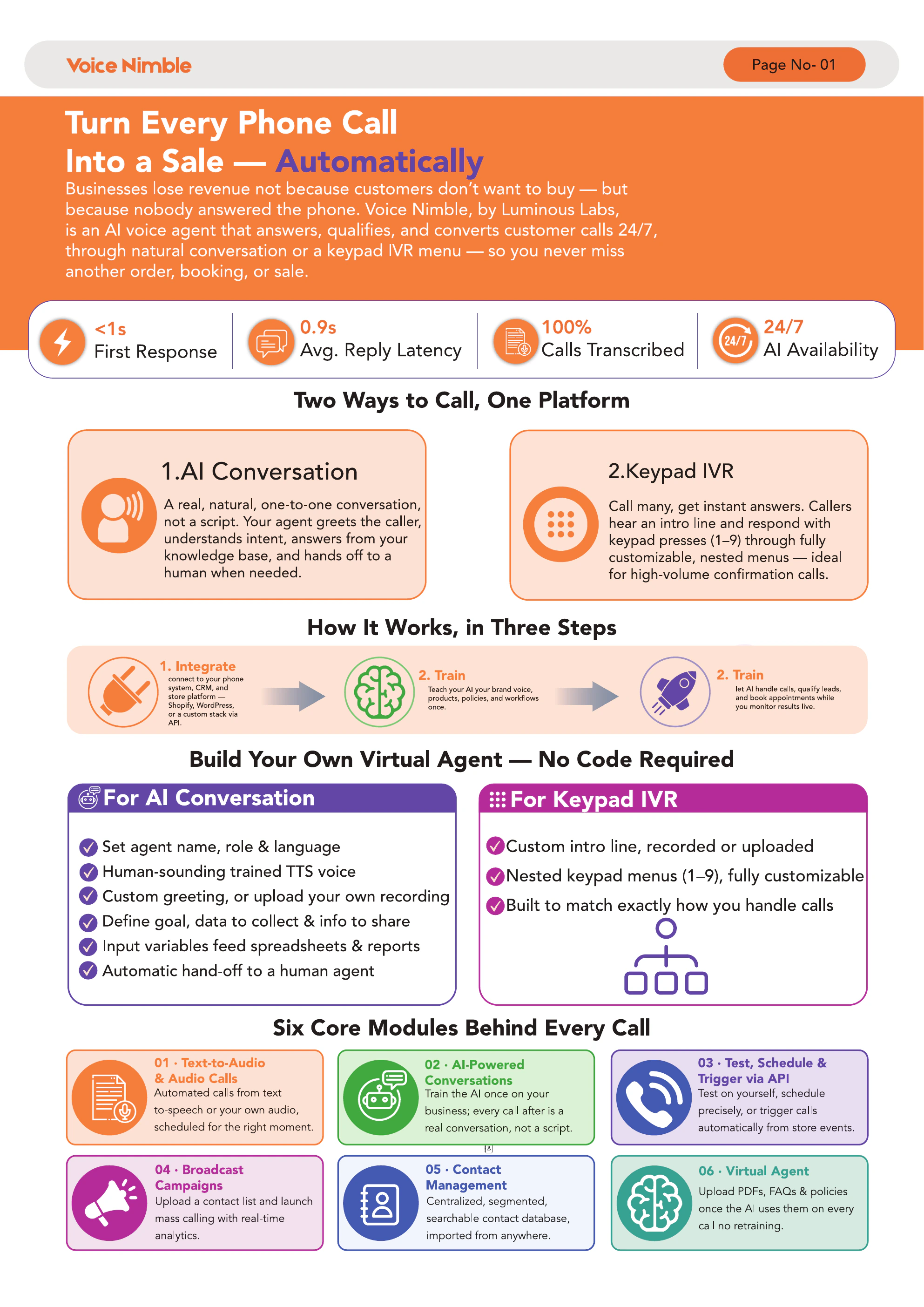
Create an interactive voice (IVR) menu that greets callers and routes them to the right place — set up keypad options, prompts and destinations, all without code.
Short, focused how-to videos for Voice Nimble. Browse the library, pick the topic you need, and watch it in a click — no sign-up, no order to follow.
Create an interactive voice (IVR) menu that greets callers and routes them to the right place — set up keypad options, prompts and destinations, all without code.
Watch tutorialSee what a campaign is and how to launch one — set up an automated outbound calling campaign, choose who it reaches, and put it live in minutes.
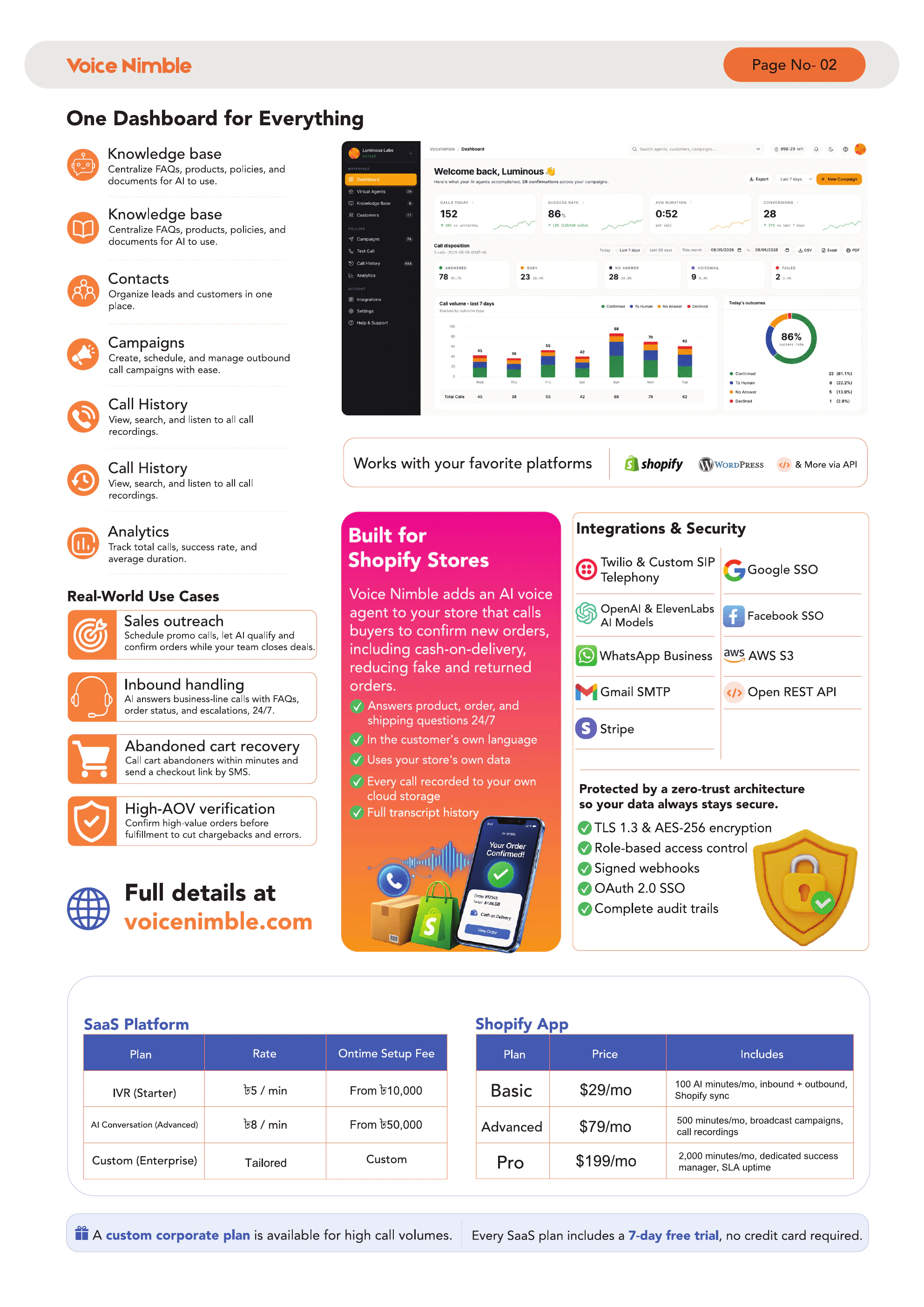
Watch tutorialLearn what the knowledge base is and how to add your content, so your AI agent answers every call with accurate, up-to-date information about your business.
Watch tutorialPlace a live test call to hear your AI agent in action and confirm your IVR, knowledge and voice all work exactly as expected before you go live.
Watch tutorialSee how call history works — review every past call with recordings, transcripts and outcomes, so you always know what was said and what happened.
Watch tutorialOrganize your contacts with customer management — segment people with tags, filter by tag, and keep every customer record tidy and easy to find.
Watch tutorialNo tutorials in this category yet.
Showing 6 of 6
Can't find a tutorial for what you need? Reach out and our team will walk you through it.